
Schedules
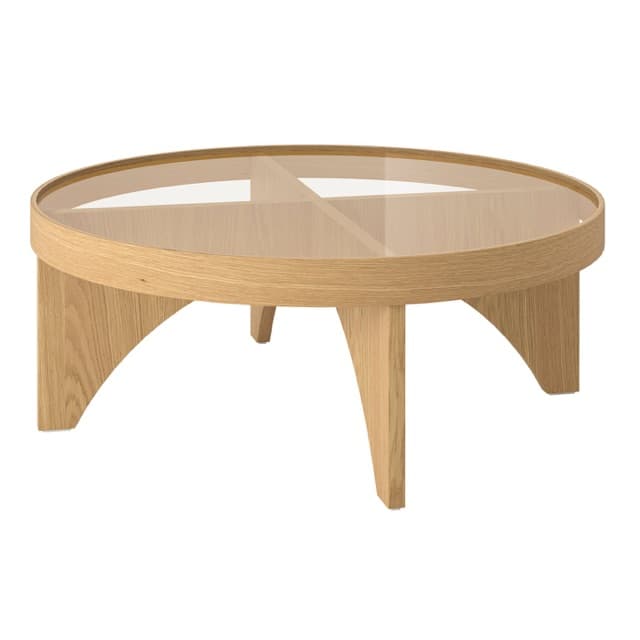
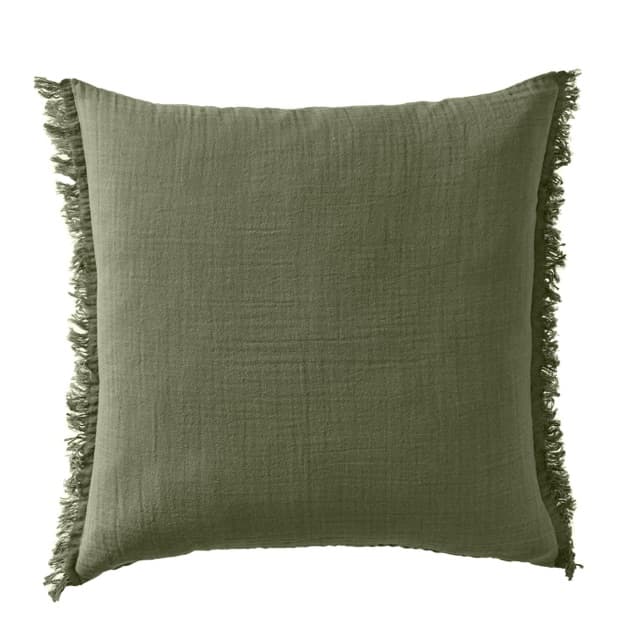
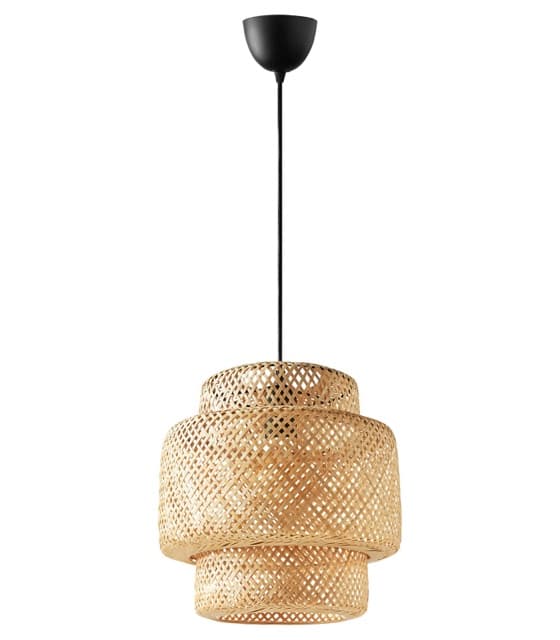
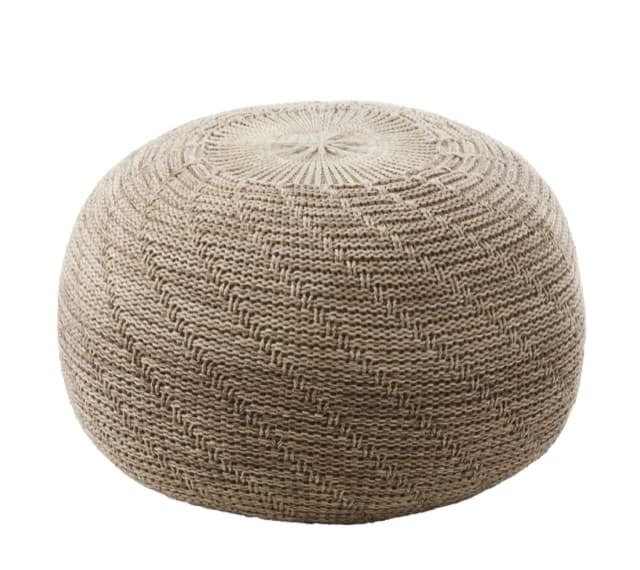
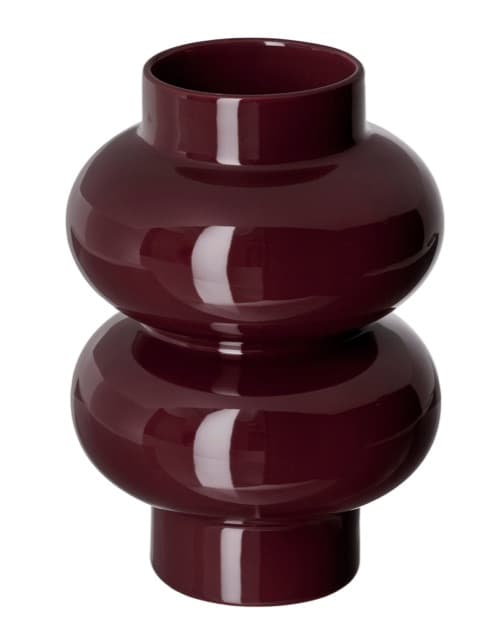
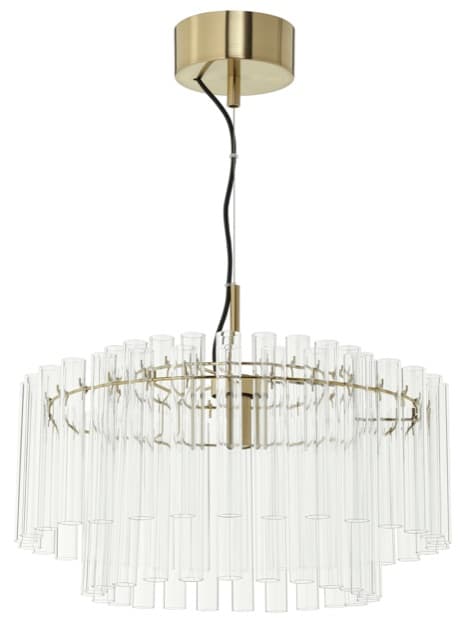
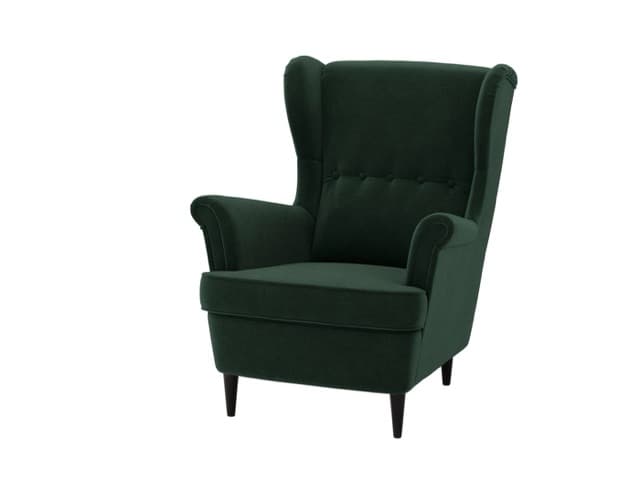
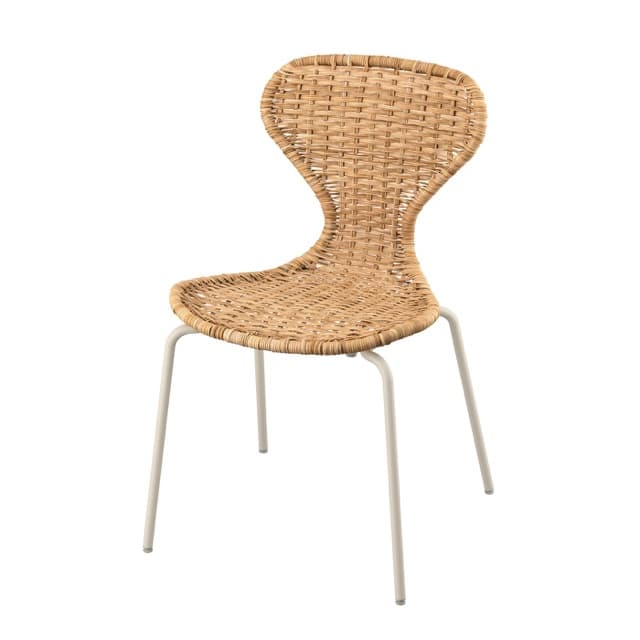
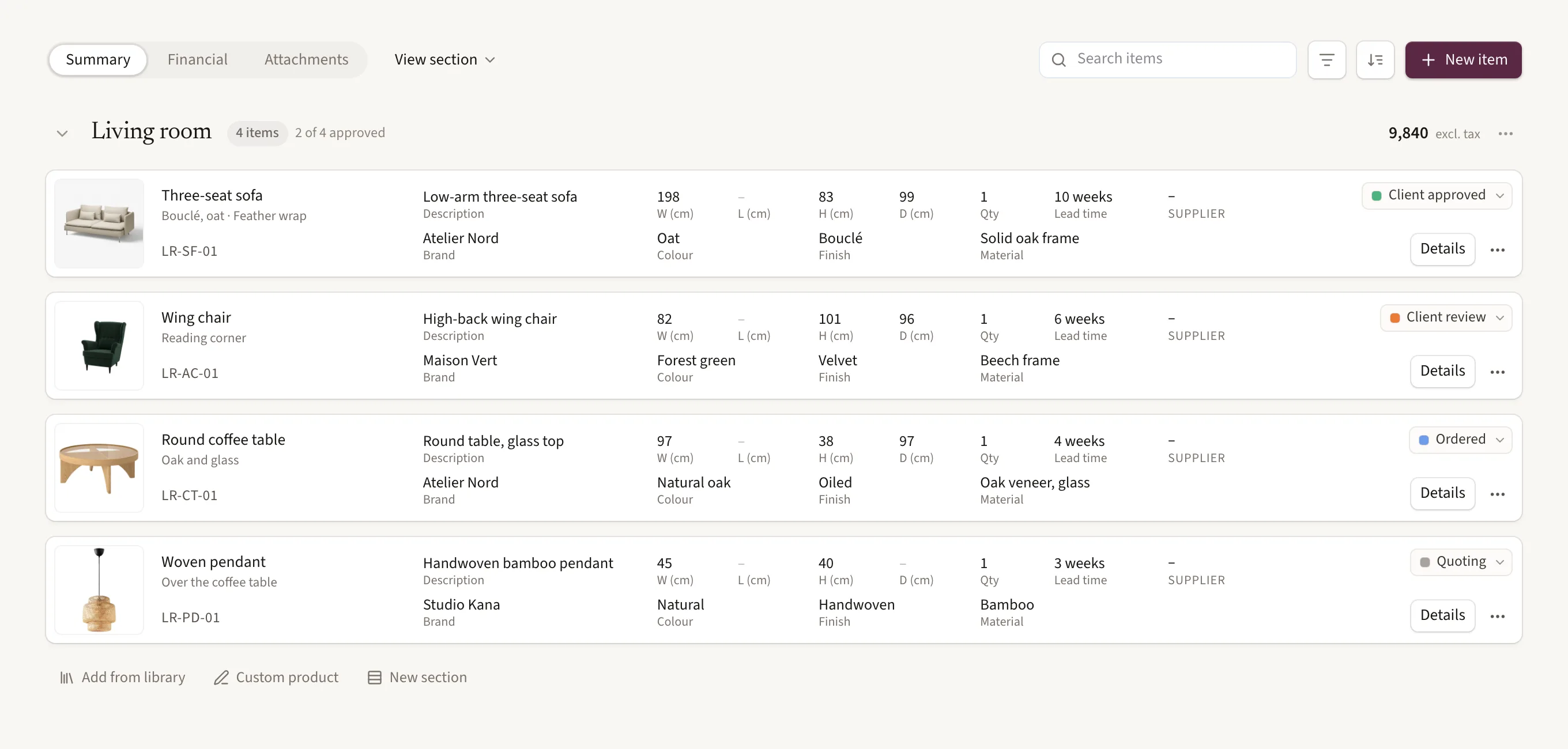
FF&E specs with tags, options and statuses.
Projects, schedules, pinboards and presentations in one calm place, with an AI that knows your work.
From the first idea to the last delivery.
FF&E specs with tags, options and statuses.
Save a piece once. Use it in every project.
Phases, tasks and dates, on a board or a timeline.
Gather ideas, then present them to clients.
Find any project, file or product with ⌘K.
Follow every piece from draft to delivered.
Interior designers and studios running several projects at once, who want their projects, schedules and libraries in one place.
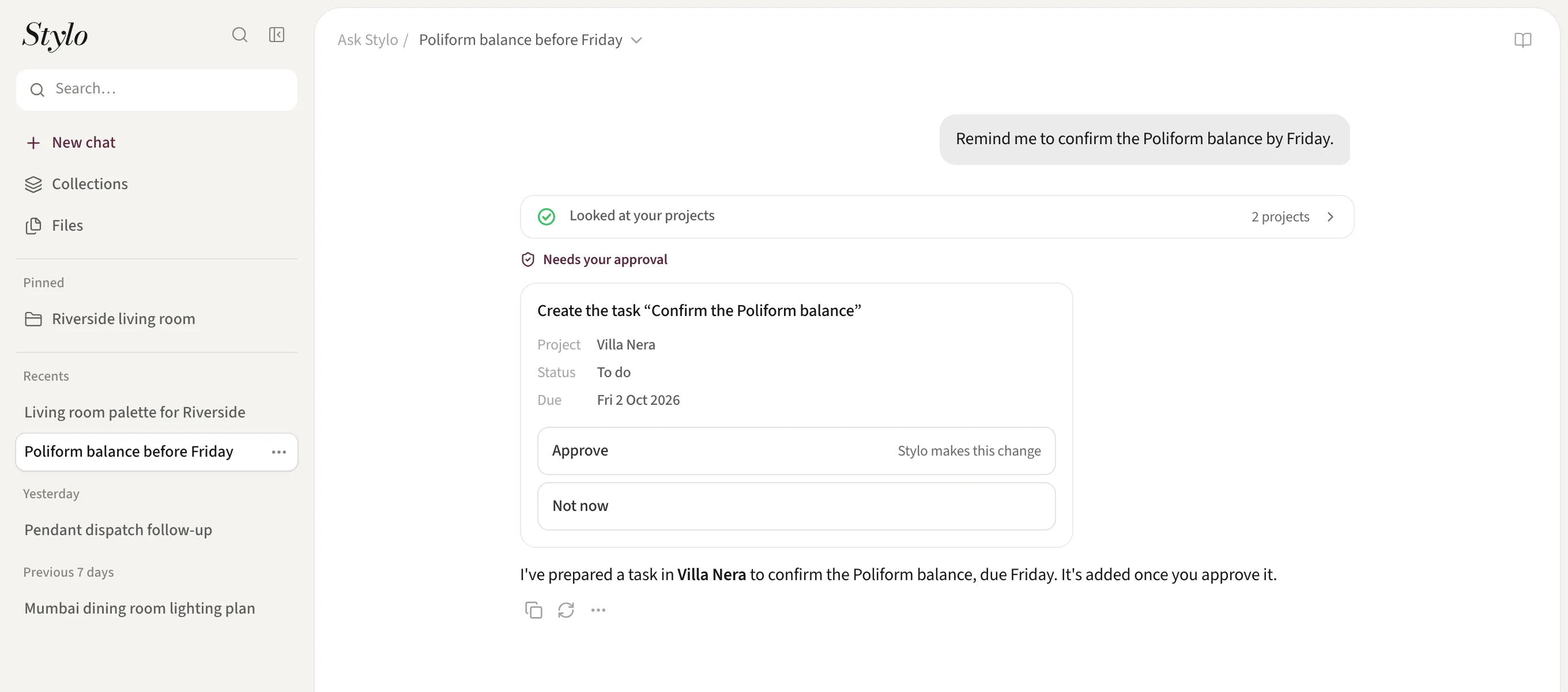
It reads your projects, schedules and libraries to answer questions, and drafts changes such as tasks, dates and schedule items. You approve each one before anything changes.
No. Stylo doesn’t send messages, place orders or make payments.
Yes. Your studio’s members share its projects and libraries, and each project has its own team.